


September 30, 2025
Finding a WordPress landing page builder that’s both powerful and easy to use can be a challenge. While some plugins offer great designs, they might lack the features you need to drive conversions.
In this article, we’ll compare the leading options. We’ll provide a clear, side-by-side look at their features, pricing, and performance to help you choose the perfect plugin with confidence.
Before we dive into the full reviews, here’s a quick overview of the builders we’ll be comparing.
| Landing Page Builder | Best For | Starting Price | Free Version |
|---|---|---|---|
| Breakdance | Overall Ease & Power | $99.99/yr | Yes |
| Oxygen | Developers & Coders | $129/ltd | No |
| Divi Builder | Beginners & Templates | $89/yr | No |
| Beaver Builder | Simplicity & Stability | $99/yr | No |
| Elementor | Beginners | $59/yr | Yes |
| Brizy | Membership Sites | $59/yr | No |
| Spectra | Gutenberg Users | $49/yr | Yes |
| Kadence Blocks | Gutenberg Power Users | $149/yr | Yes |
| Stackable | Enhancing Gutenberg | $49/yr | Yes |
| Visual Composer | Traditional Visual Editing | $49/yr | Yes |
Now that you have a high-level overview, let’s dive into the detailed review of each builder.
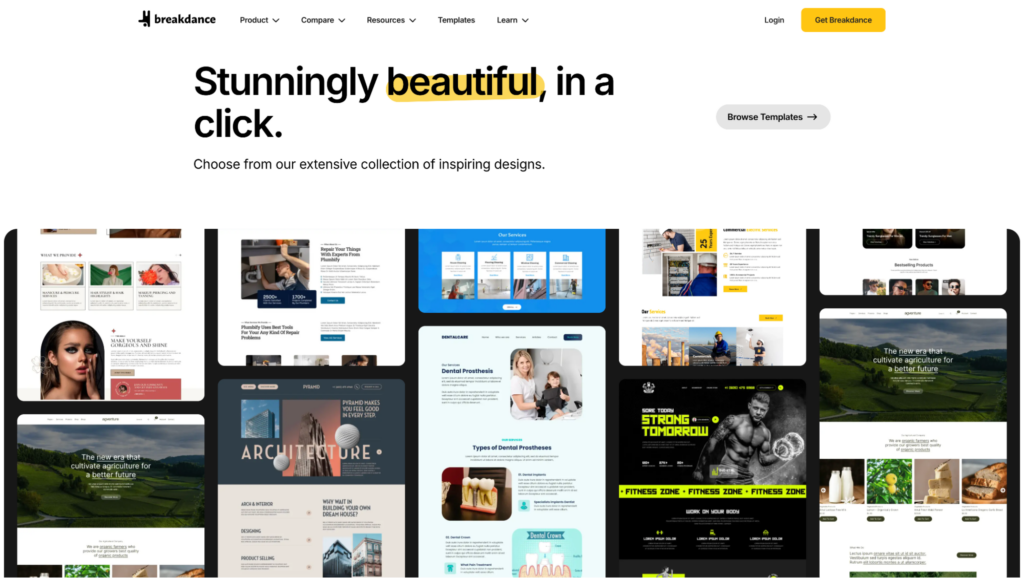
Breakdance is a modern visual site builder for WordPress that aims to balance ease of use with deep features. It brings a fresh user interface to the page builder space while keeping the layout familiar to longtime WordPress users. The builder focuses on providing a powerful, flexible, and user-friendly experience right out of the box, tucking more complex features away for advanced users who need them.
Breakdance offers a free version with basic features, while the premium plans unlock advanced capabilities.
| Plan | Price | Sites |
| Free | $0.00 | Unlimited |
| Pro – Single Site | $99.99/yr | 1 |
| Pro – Unlimited Sites | $199.99/yr | Unlimited |
| Agency | $799.99/yr | Unlimited |
Here’s an actual review of one of the users:

Breakdance is an excellent choice for anyone who wants a modern, user-friendly visual site builder that is powerful enough to grow with them.

Oxygen is a powerful and flexible visual site builder for WordPress, long favored by developers and technical users for its deep control over HTML and CSS. It now comes in two different versions: Oxygen Classic, the original, robust builder known for its raw power, and Oxygen 6, a completely rebuilt, modern version designed for faster workflows and an improved user experience. While Oxygen Classic provides a stable, familiar environment, Oxygen 6 introduces a new UI, native CSS variable support, new elements, and a component-based system for the future.
Oxygen Pricing
Oxygen’s pricing is now split between the Oxygen 6 and the classic Oxygen.
| Plan | Price | Sites |
| Oxygen 6 (Includes Oxygen Classic) | ||
|---|---|---|
| Standard | $199/yr | Unlimited |
| Oxygen Classic | ||
| Basic | $129 (One Time) | Unlimited |
| WooCo | $149 (One Time) | Unlimited |
| Ultimate | $179 (One Time) | Unlimited |
Here’s an actual review of one of the users:

Oxygen is best for developers and technically skilled designers who demand full control.
Divi Builder is an old-school and widely used page builder in the WordPress ecosystem. It built its reputation on being an all-in-one solution with a user-friendly visual editor and an enormous library of pre-built templates. While its interface can feel dated compared to newer builders, its large community and vast collection of addons make it a popular choice, especially for beginners. The upcoming Divi 5 promises a complete engine rewrite, though early previews suggest the core user experience may remain similar.
Divi offers both yearly and lifetime access plans, which include the Divi theme, the Divi builder plugin, and other products from Elegant Themes.
| Plan | Price | Sites |
| Divi | $89/yr | Unlimited |
| Divi Pro | $277/yr | Unlimited |
| Divi (Lifetime) | $249 (One Time) | Unlimited |
| Divi Pro (Lifetime)* | $297 (One Time) | Unlimited |
*The Pro Lifetime plan still requires a $212/year subscription for Divi Pro Services.
Here’s an actual review of one of the users:

Divi is best suited for beginners and DIY users who want to build a variety of websites using pre-made templates.
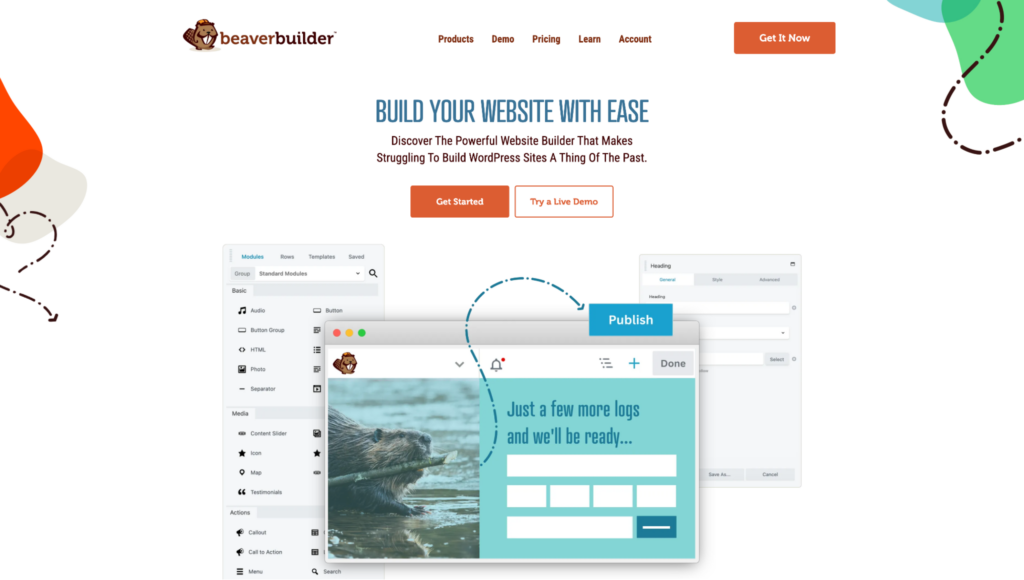
Beaver Builder has a long-standing reputation in the WordPress community for being an exceptionally stable and reliable page builder. It prioritizes a smooth, predictable user experience over rapid feature releases. While this makes it a rock-solid choice for professionals, it also means that some modern features are either missing or require the purchase of an additional addon.
Beaver Builder offers various tiers that vary based on the number of sites you can activate the license on.
| Plan | Price | Sites |
| Starter | $89/yr | 1 |
| Plus | $179/yr | 3 |
| Professional | $299/yr | 50 |
| Unlimited | $546/yr | Unlimited |
Here’s an actual review of one of the users:

Beaver Builder is the perfect choice for users who prioritize stability and a straightforward building experience.
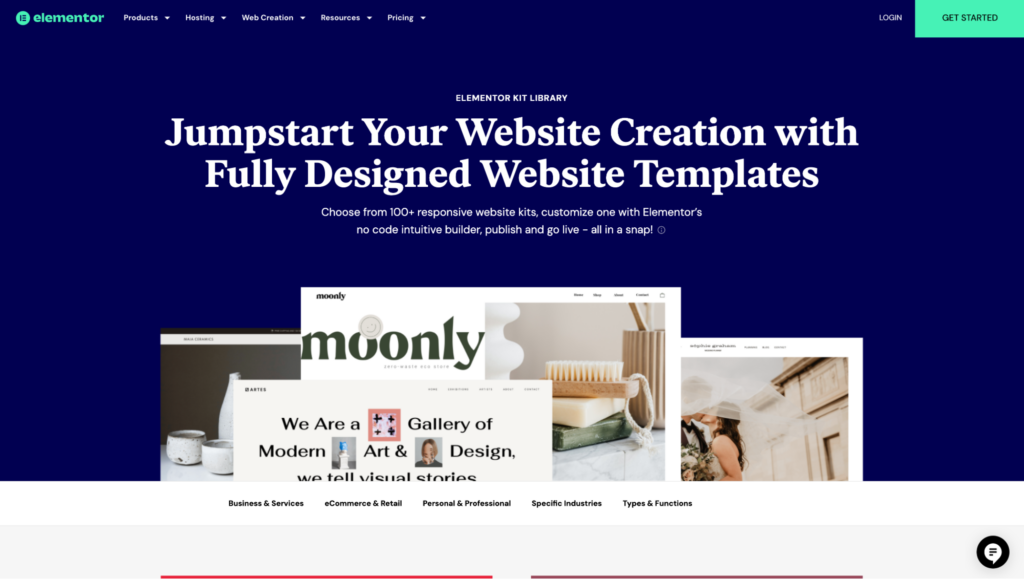
Elementor is arguably the most well-known name in the WordPress page builder market. It has achieved massive popularity due to its user-friendly interface, extensive feature set, and large community. While it started as a page builder, it has since evolved into a full theme builder and now even offers its own hosted solution. This focus on hosting and a broader service ecosystem has raised some questions in the community about the future prioritization of the core builder plugin itself.
If you’re weighing its benefits against another popular option, check out our detailed Elementor vs Divi builder comparison for a closer look.
Elementor offers a range of plans that scale based on the number of website activations you need.
| Plan | Price | Sites |
| Essential | $60/yr | 1 |
| Advanced Solo | $84/yr | 1 |
| Advanced | $99/yr | 3 |
| Expert | $204/yr | 25 |
| Agency | $399/yr | 1000 |
Here’s an actual review of one of the users:

Elementor is best suited for beginners and DIY users who don’t mind some performance issues and a slower rollout of advanced features.
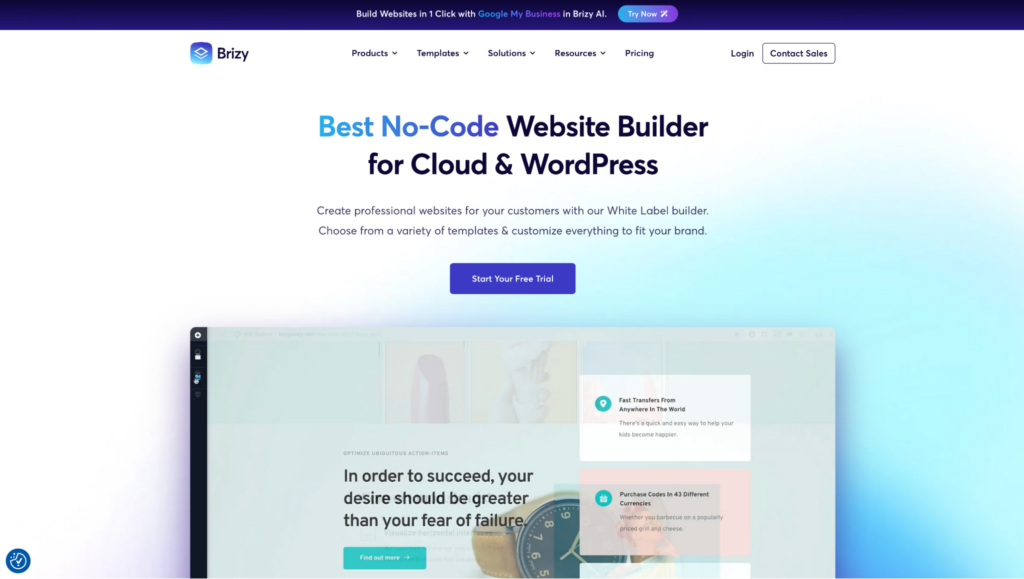
Brizy is a modern and fast-growing WordPress page builder that focuses on a streamlined, uncluttered design experience. It takes a minimalistic approach, giving users a powerful set of tools without overwhelming them with options. Like Elementor, Brizy also offers a cloud-hosted platform, which appears to be a major focus for the company, providing an all-in-one solution for users who don’t want to manage their own WordPress hosting.
Brizy offers several plans under its “Brizy WordPress” product, scaling based on the number of sites and features like white-labeling.
| Plan | Price | Sites |
| Personal | $59/yr | 1 |
| Freelancer | $99/yr | 25 |
| Agency | $199/yr | 50 |
| White-label | $299/yr | 100 |
Here’s an actual review of one of the users:

Brizy is an interesting choice for users who want to build a simple membership site without a dedicated plugin, thanks to its native membership features.
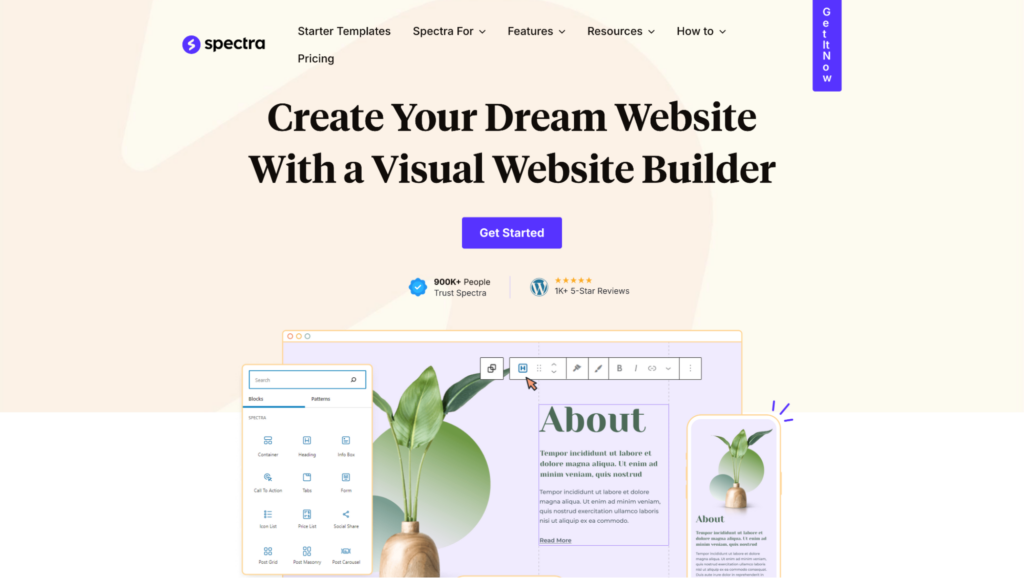
Spectra operates differently from most builders on this list; it’s a block-based builder that works inside the native WordPress Block Editor (Gutenberg). Instead of providing its own interface, it adds a powerful suite of custom blocks, templates, and design controls directly into Gutenberg. It adds power and flexibility to the WordPress core experience to build complete landing pages and websites without a traditional page builder.
Spectra Pro is the core plugin, but it’s also included in bundles from its parent company, Brainstorm Force, which offer additional themes and plugins.
| Plan | Price | Sites |
| Spectra Pro | $69/yr | 3 |
| Essential Toolkit | $119/yr | 3 |
| Business Toolkit | $159/yr | 3 |
Here’s an actual review of one of the users:

Spectra is the perfect choice for WordPress users who want to stick with the native Block Editor but need more power.
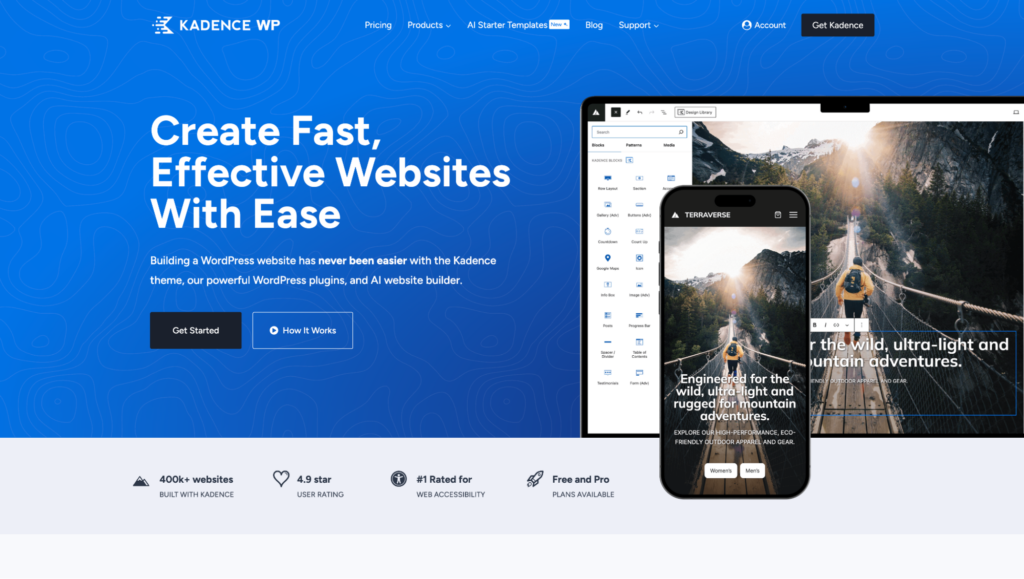
Similar to Spectra, Kadence Blocks is a plugin that improves the WordPress Block Editor (Gutenberg) rather than replacing it. It adds a powerful suite of custom blocks and professional design options directly into the native WordPress interface. Kadence is often paired with the popular Kadence Theme, and together they create a seamless and powerful way to build entire websites without leaving the familiar Gutenberg environment.
Kadence Blocks Pro offers various plans that vary based on the number of websites you need it on.
| Plan | Price | Sites |
| Blocks Pro | $119/yr | 5 |
| Plus Plan | $169/yr | 10 |
| Ultimate | $299/yr | 25 |
| Ultimate | $399/yr | 1000 |
Here’s an actual review of one of the users:

Kadence is an excellent choice for WordPress users who want a more powerful version of the Block Editor.
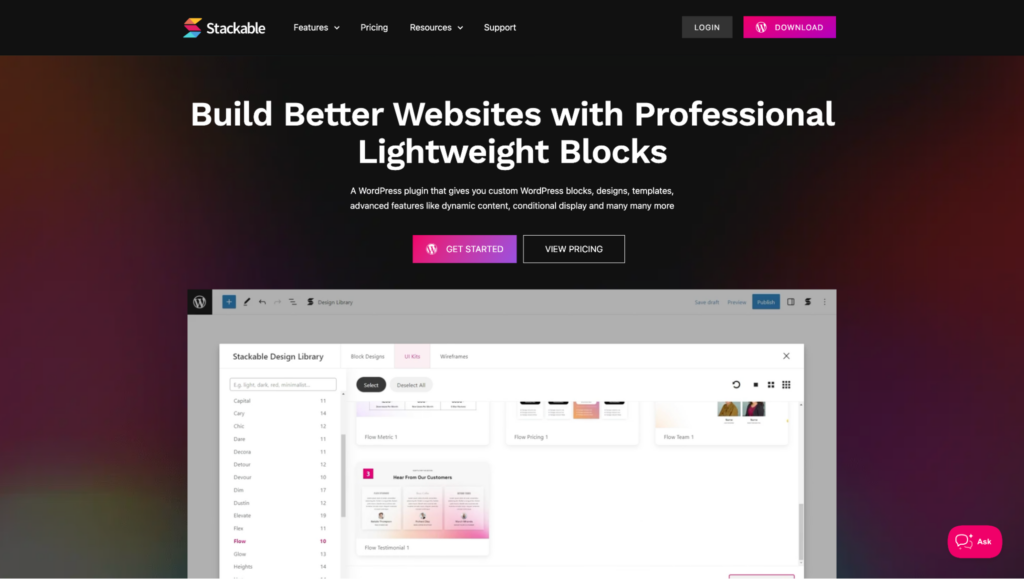
Stackable is another block-based builder that works by extending the features of the native WordPress Block Editor (Gutenberg). It adds a large collection of professional and highly customizable blocks, turning the standard editor into a much more capable page-building tool.
| Plan | Price | Sites |
| Personal | $49/yr | 1 |
| Business | $99/yr | 10 |
| Agency | $149/yr | Unlimited |
| Agency Lifetime | $499 (One Time) | Unlimited |
Here’s an actual review of one of the users:

Stackable is a great option for designers who enjoy working with the Block Editor and want to unlock its full potential.
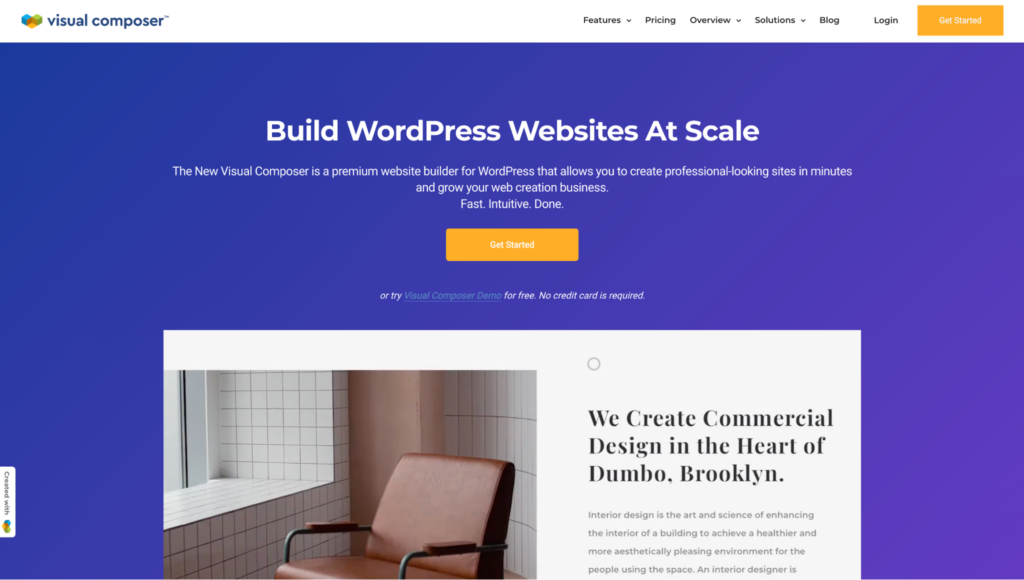
Visual Composer is one of the original and longest-running page builders for WordPress, with a history stretching back to around 2011. While sometimes confused with the older WPBakery Page Builder (from the same developer), the modern Visual Composer is a completely separate and more advanced product. It offers a visual, drag-and-drop editing experience with theme-building capabilities, a popup builder, and integrations with popular media libraries.
Visual Composer’s plans are based on the number of sites you need.
| Plan | Price | Sites |
| Single | $49/yr | 1 |
| Plus | $99/yr | 5 |
| Accelerate | $149/yr | 20 |
| Agency | $349/yr | 1000 |
Here’s an actual review of one of the users:

Visual Composer is a suitable option for users who are accustomed to the classic WordPress page builder interface from the early 2010s.
We’ve taken a quick look at the top WordPress landing page builders and compiled a list of pros and cons. Now it’s time to figure out which one we think is the best WordPress landing page builder.
With an eye to feature-completeness, ease of use, and even advanced features for professional users, Breakdance is the total package. Where some of the other landing page builders have bits and pieces of the features you’ll need to build landing pages, each seems to miss one or two critical parts of the puzzle. Breakdance, however, has all the great features the other builders include, and even more like: a powerful popup builder, a premium-grade form builder with tons of marketing integrations, conditional element display, and a user-friendly interface.
Coming in second is Oxygen. While it’s a full-featured and incredibly powerful tool, it may be less suited for landing pages if you’re a DIYer or WordPress beginner. Due to its steep learning curve, Oxygen is often a sound choice for large, complex sites rather than individual one-off landing pages.
1. What is the best WordPress landing page builder overall?
For most users, Breakdance is the best choice. It perfectly balances a user-friendly interface with powerful, built-in conversion tools like form and popup builders. It’s a complete solution. For developers who need maximum control, Oxygen is an excellent and powerful alternative.
2. How can I create landing pages using the Gutenberg Block Editor?
If you prefer to stick with the native WordPress editor, you can add custom blocks to it using a third-party plugin. Spectra and Kadence Blocks are two of the best options for adding professional layouts, powerful new blocks, and advanced styling controls directly into the Gutenberg interface.
3. What is the best WordPress page builder for a beginner?
Breakdance is our top recommendation for beginners. Its clean and intuitive interface lets you build professional pages without a steep learning curve. It’s also powerful enough to handle advanced needs as your skills grow, making it a great long-term investment.
4. Will a page builder slow down my website?
Modern builders are built with performance in mind and can produce very clean code. Site speed is often more affected by large images, bloated themes, and the number of plugins installed, rather than the builder itself. Choose a well-coded builder and optimize your content.
Free builders are excellent for simple projects or for learning a builder’s interface. However, premium plans are almost always necessary for accessing essential marketing features like popups, advanced forms, and crucial integrations. For business-critical pages, a paid plan is a wise investment.

Get maximum flexibility with unlimited licensing and domain activations.
Get your money back within 60 days of purchase, no questions asked. It's risk-free!
We offer premium support to ensure the ultimate customer experience.
For a limited time, we're offering an unlimited site license for just $199.99/year. Buy now to lock in this price.